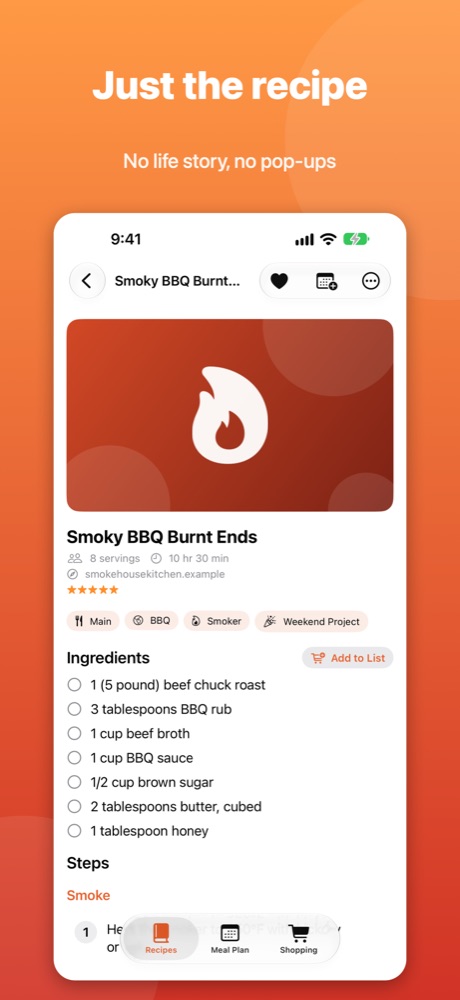
Saves the recipe, not the 2,000-word story above it. Cook with ingredients and steps side by side, plan the week, and turn it all into one shopping list, synced across your iPhone and iPad.
Built for the kitchen: big text, the screen stays awake, and your place in the recipe is never lost.
Swipe or scroll sideways for more. Tap a screenshot to enlarge it.
Features
From a blog post to dinner on the table, without the scrolling.
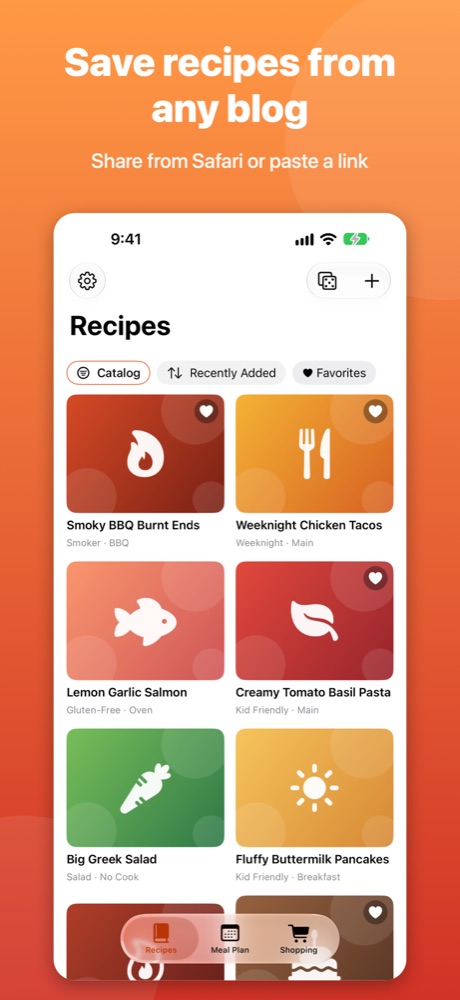
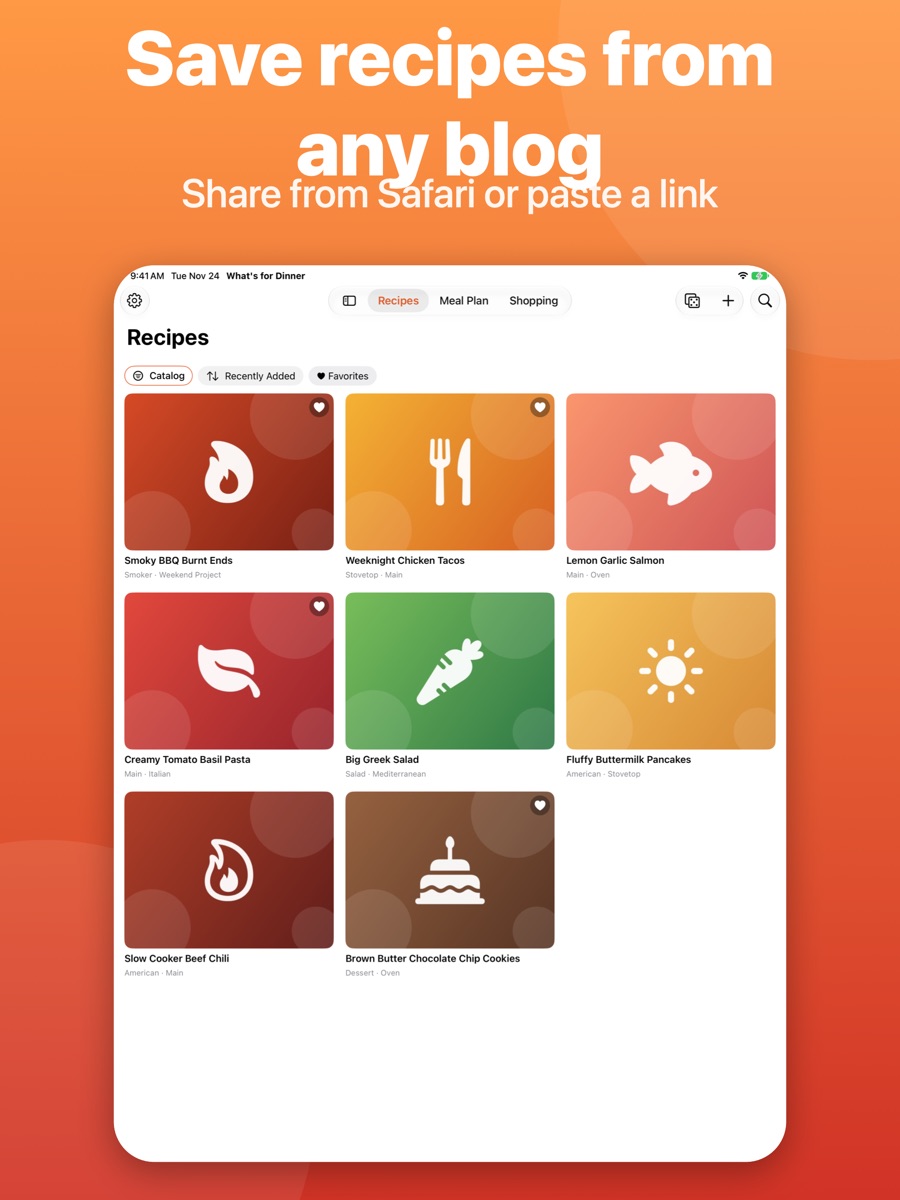
Save recipes from anywhere
Ingredients, steps, photo, servings and cook times, with a link back to the original.
Works with most food blogs and recipe sites.
Type in family recipes yourself, with your own photo and notes.
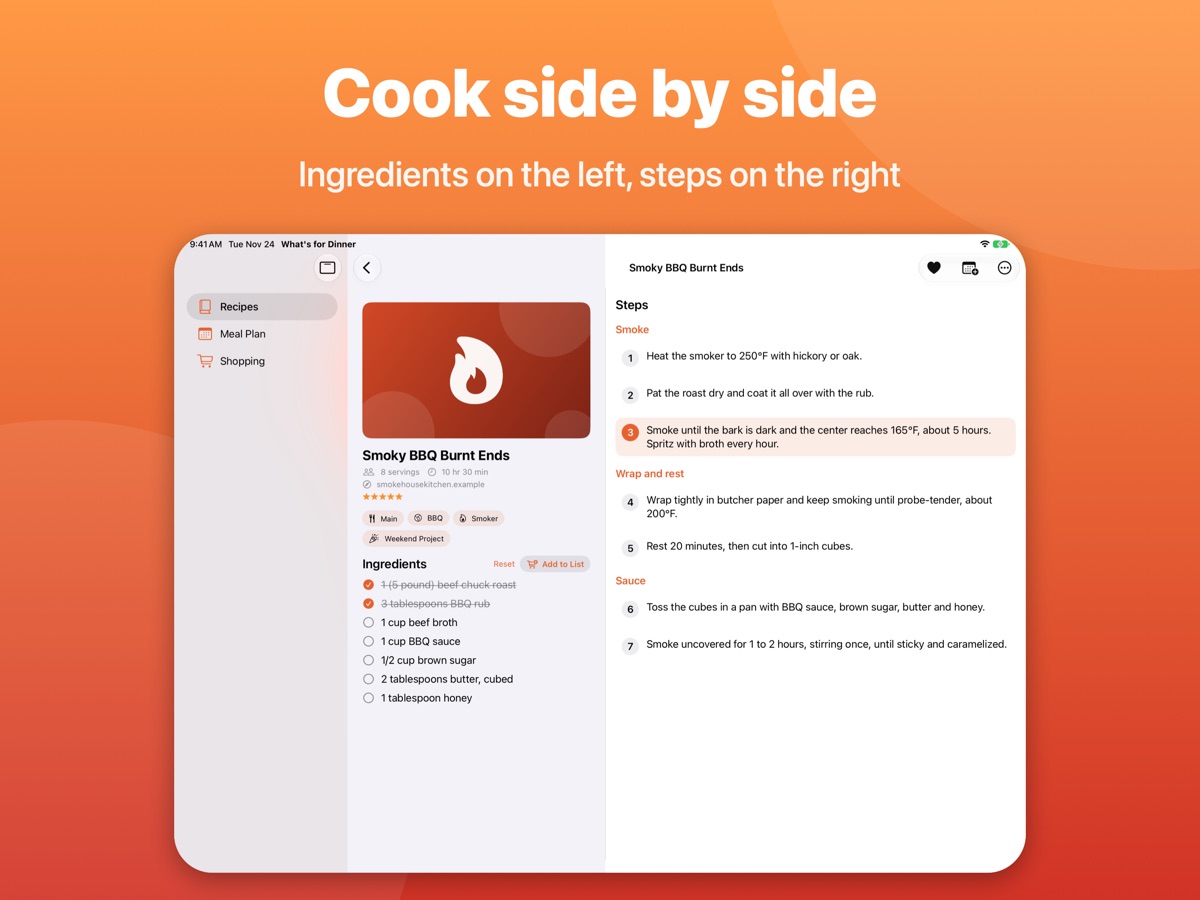
Cook without scrolling
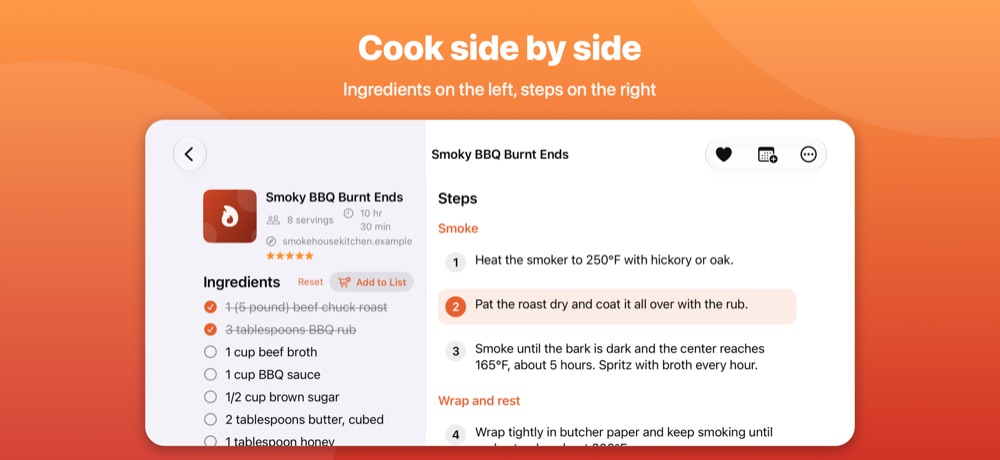
Turn your iPhone sideways: ingredients on the left, steps on the right, each in its own scrolling panel.
Tap ingredients to check them off; tap a step to keep your place.
The screen stays awake while you cook, with an option for larger text.
Nutrition, automatically
Calories, protein, carbs, fat, fiber, sugar and sodium per serving or for the whole dish.
Built on the USDA food database, right on your device.
See how each ingredient was counted and correct it.
Organize your way
Tag by type, style, method, diet and occasion: Main, BBQ, Smoker, Weeknight.
Search by name, ingredient or tag.
Favorites, star ratings, and a dice button for a random pick.
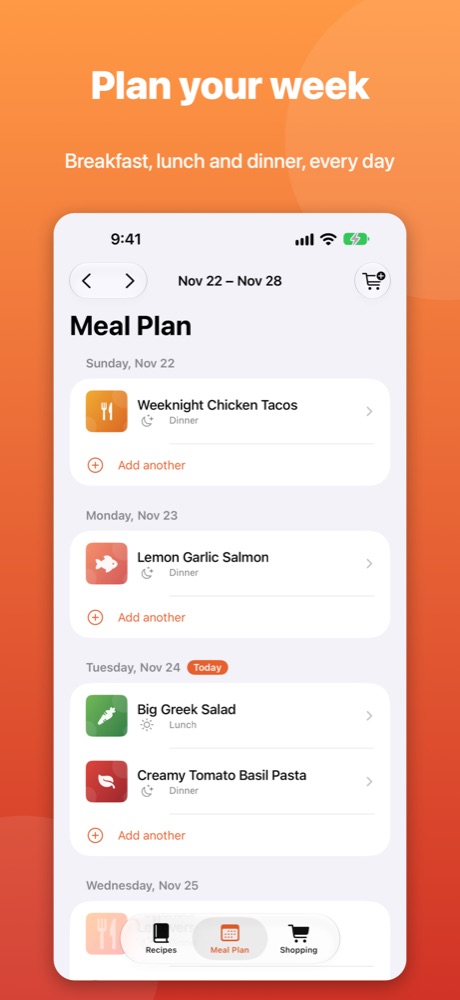
Plan the week
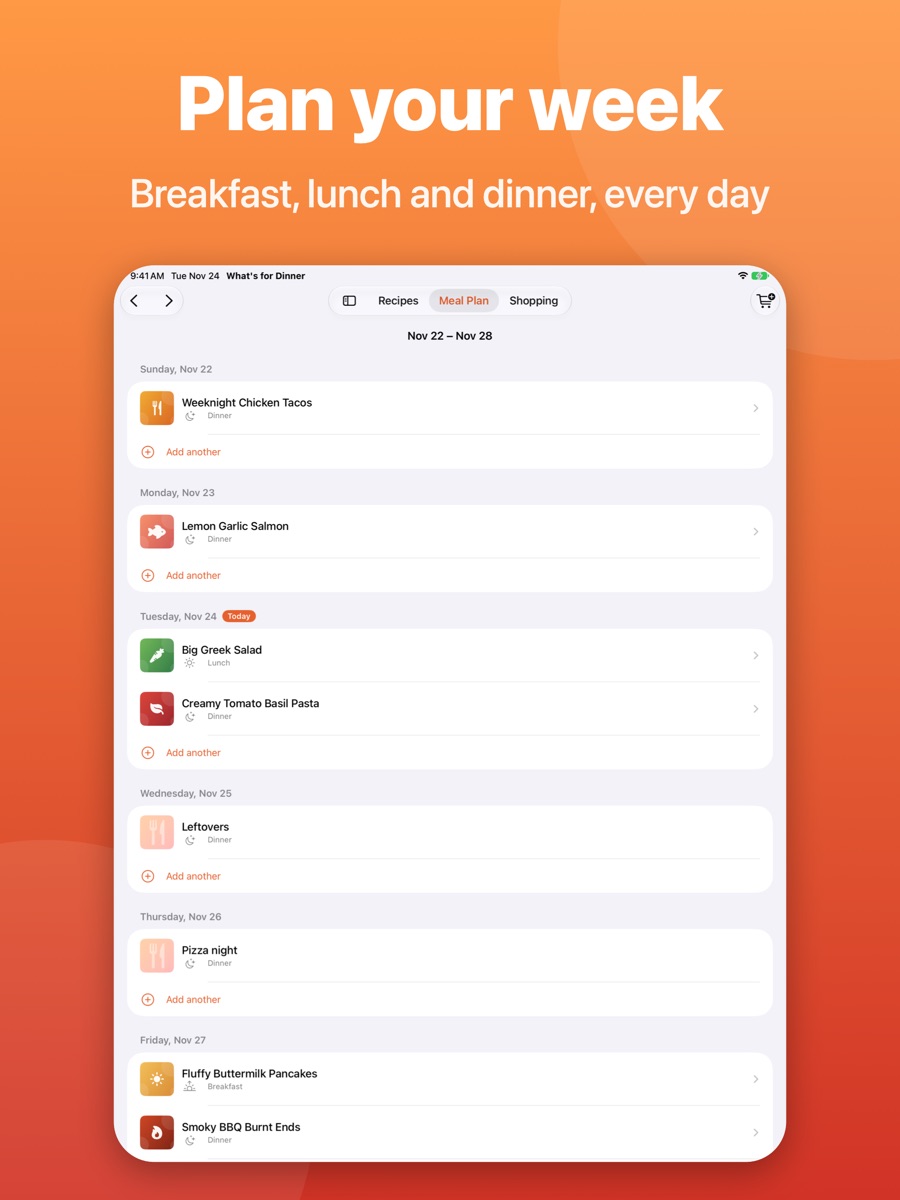
Breakfast, lunch, dinner and snacks for each day.
Make a recipe 1½× or 2× and the shopping list follows.
Add notes like "Leftovers" or "Pizza night".
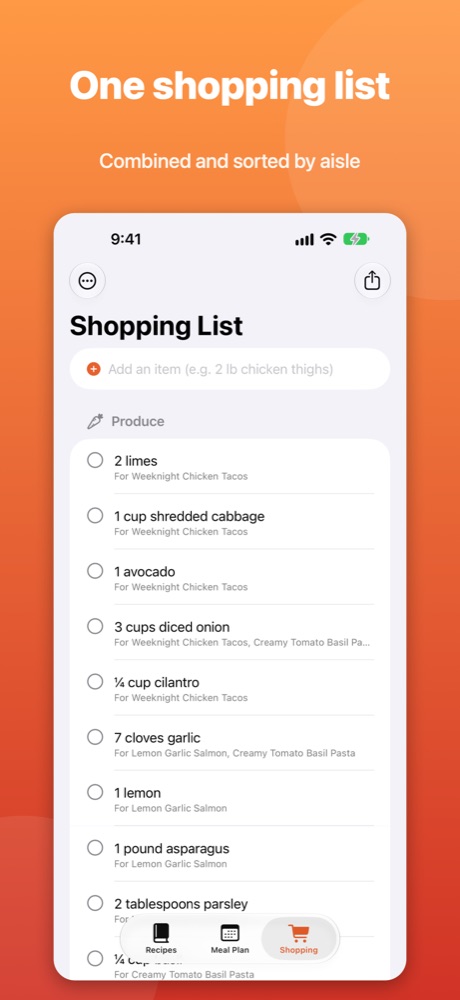
One shopping list
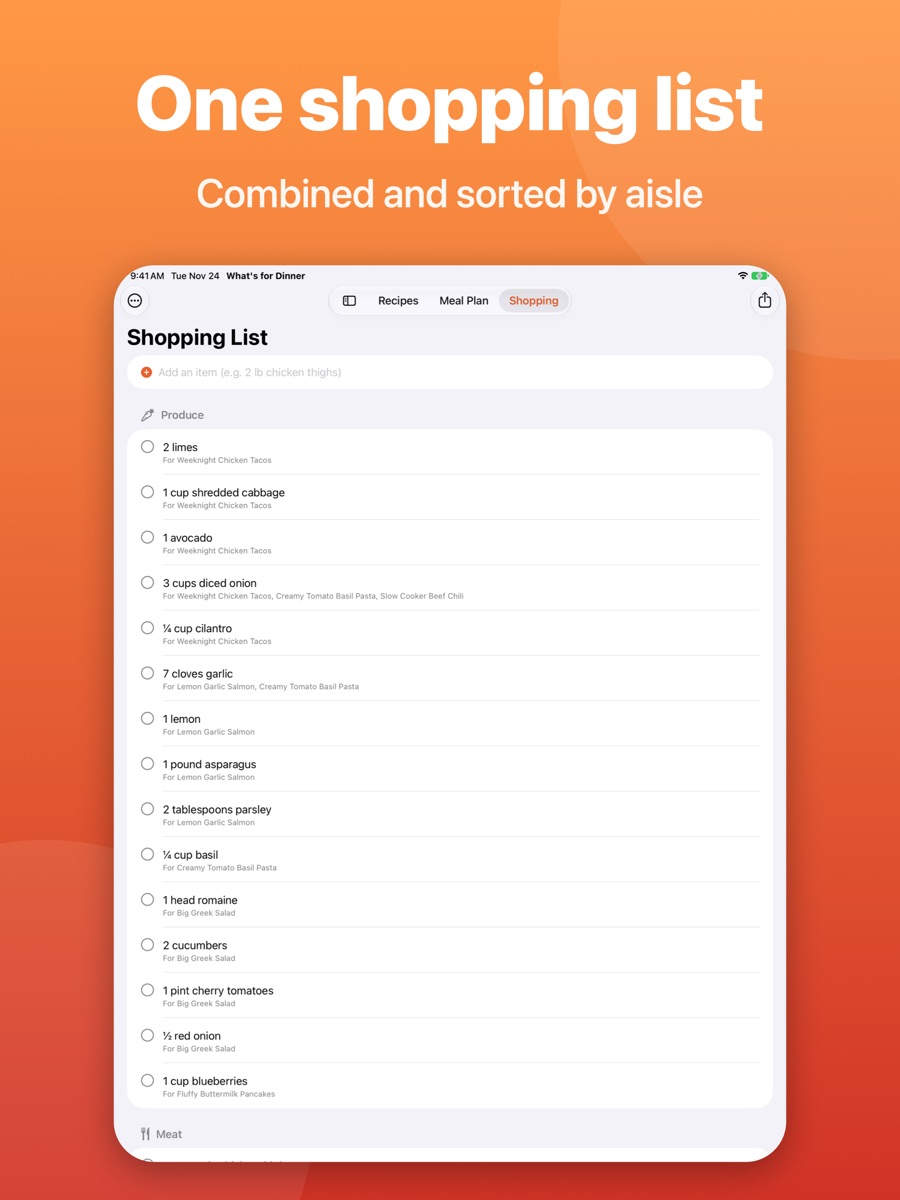
Build it from the week's plan or straight from a recipe.
Matching ingredients are combined: "1½ cups onion, for Chili and Tacos".
Sorted by aisle; share to Messages, Reminders or Notes.
On all your devices
Recipes, photos, tags, plans and lists sync through your own private iCloud.
Save in Safari on your phone; it's waiting on your kitchen iPad.
Nothing to set up, no new account, and we never see your data.
How to use What's for Dinner
The everyday flow, step by step.
1 · Save a recipe from Safari
Open the recipe page in Safari.
Tap the Share button.
Tap What's for Dinner. The first time, you may need to scroll to the end of the row of apps, tap More, and turn it on.
Check the preview, add tags like Main or BBQ if you want, and tap Save.
Open What's for Dinner: the recipe is in your library.
2 · Save a recipe from any other app
Chrome, Messages, Mail, or anywhere you can copy a link.
Copy the recipe's link.
In What's for Dinner, tap + and choose Paste Recipe Link.
Tap Paste, then Get Recipe.
Check the preview and tap Save.
If a site asks you to confirm you're human, the page appears in the app so you can finish the check, then the recipe loads. If a site doesn't publish its recipe in a readable format, you can still save the link and type the recipe in.
3 · Add a family recipe by hand
Tap + and choose New Recipe.
Enter the title, ingredients (one per line) and steps.
Add a photo from your library or camera, plus servings, times and notes.
Tap Save.
4 · Cook
Open a recipe and tap Cook.
Turn your iPhone sideways for ingredients and steps side by side.
Tap each ingredient as you add it, and tap the step you're on to highlight it.
The screen stays on until you leave cooking mode.
5 · Plan the week and shop
Go to Meal Plan and tap a day's breakfast, lunch, dinner or snack slot.
Pick a recipe, and set it to 1½× or 2× if you're feeding more people.
Go to Shopping and build the list from this week's plan.
Add any extra items, then check things off at the store, or share the list to Messages, Reminders or Notes.
6 · Check nutrition
Open any recipe and tap its calorie card to open Nutrition.
Switch between Per Serving and Whole Recipe.
Tap an ingredient to pick a different food, enter its weight, or leave it out. Your corrections sync to your other devices.
Questions
Is it a subscription?
No. Try everything free for 7 days, then unlock it all with a one-time purchase. Recipes you've saved stay readable even if you don't unlock.
How do I get my recipes on my iPad too?
Sign in to the same iCloud account on both devices. Recipes, photos, plans and lists sync automatically, with nothing to set up.
A recipe didn't import correctly. What can I do?
You can edit any saved recipe. If a site doesn't publish its recipe in a readable format, save the link and type the recipe in, and let us know which site so we can look at it.
Where is my data stored?
On your device and in your own private iCloud. We never see it. There are no accounts or ads.